Featured in Glow Up · May 14, 2026
Welcome to the Claude Queen’s Corner
Everything from the May 14 Glow Up session - tips, tools, and your free morning check-in skill generator - all in one place.
Featured in Vanessa Santos’s Glow Up community.
What today is
Claude isn’t another chatbot.
Used right, it becomes your operations brain, your strategist, and an automation layer that runs in the background of your day. No code required, no agency retainer, no waiting on IT.
We started small: a daily morning check-in. You build it, refine it until the output is exactly what you want, then schedule it to run on its own every morning.
That’s the beginning. Once you understand this one pattern, you can use it for anything - pulling context from every meeting (MCPs), automating recurring tasks (Cowork), or building entire workflows by describing them in plain English (Claude Code). All without writing a line of code.
The Claude ecosystem
Three tools. One system.
Most people only know the first one. All three work together - but you only need one to start.
Claude AI
Your home base. Chat with Claude, build Projects for different areas of your business, and drop in Skills that run inside them. This is where you set everything up and refine it before automating anything.
Cowork
The automation layer. Once a skill is working perfectly in Claude AI, Cowork runs it on a schedule - every morning, every week, triggered by an event. No code. This is how your morning check-in becomes truly hands-off.
Claude Code
Build mode. Describe what you want in plain English and Claude builds entire workflows. Powerful - and still no code required - but not where we’re starting today.
Inside Claude AI
Projects and Skills: what they are and how they work together
📁
Projects
Think of it like hiring an employee for a specific role. When you bring someone on, you give them a few things:
- Project instructions - their job description. What this role is, what Claude should focus on, how it should show up in this context.
- Knowledge files - the employee handbook. Background on your business, your clients, your voice, anything Claude needs to do the job well.
- Global instructions - the house rules that apply everywhere. How you want Claude to communicate, what to always remember, how to handle things across all projects.
Your morning dashboard is one employee. Your content creation is another. Each project is its own hire.
⚡
Skills
Skills are the specific tasks you train that employee to do. Instead of explaining the same thing every time, you document it once and it becomes a one-click action.
Your morning check-in is a skill. Once it’s installed, you run it with one click - or eventually, Cowork runs it for you automatically.
Other skills people build
- • Sales call analyzer
- • Meeting prep brief
- • SOW generator
- • Presentation generator
- • Proposal writer
- • Weekly recap digest
- • Lead research enricher
- • Content repurposer
Today’s sequence
Set up a Project → install your morning check-in Skill → run it and refine it until it’s exactly right
How the morning dashboard actually works
Build it. Refine it. Then schedule it.
01
Build your morning check-in skill
Answer a few questions in the generator and get a personalized skill file you can drop into Claude.
02
Iterate in Claude.ai
Run it. Tweak it. Run it again. Refine it weekly until the output is exactly what you want.
03
Then schedule it in Cowork
Once it’s dialed in, automate it to run every morning - push to Notion, a daily dashboard, anywhere.
Most people skip step 2 and wonder why their automation feels off. Don’t.
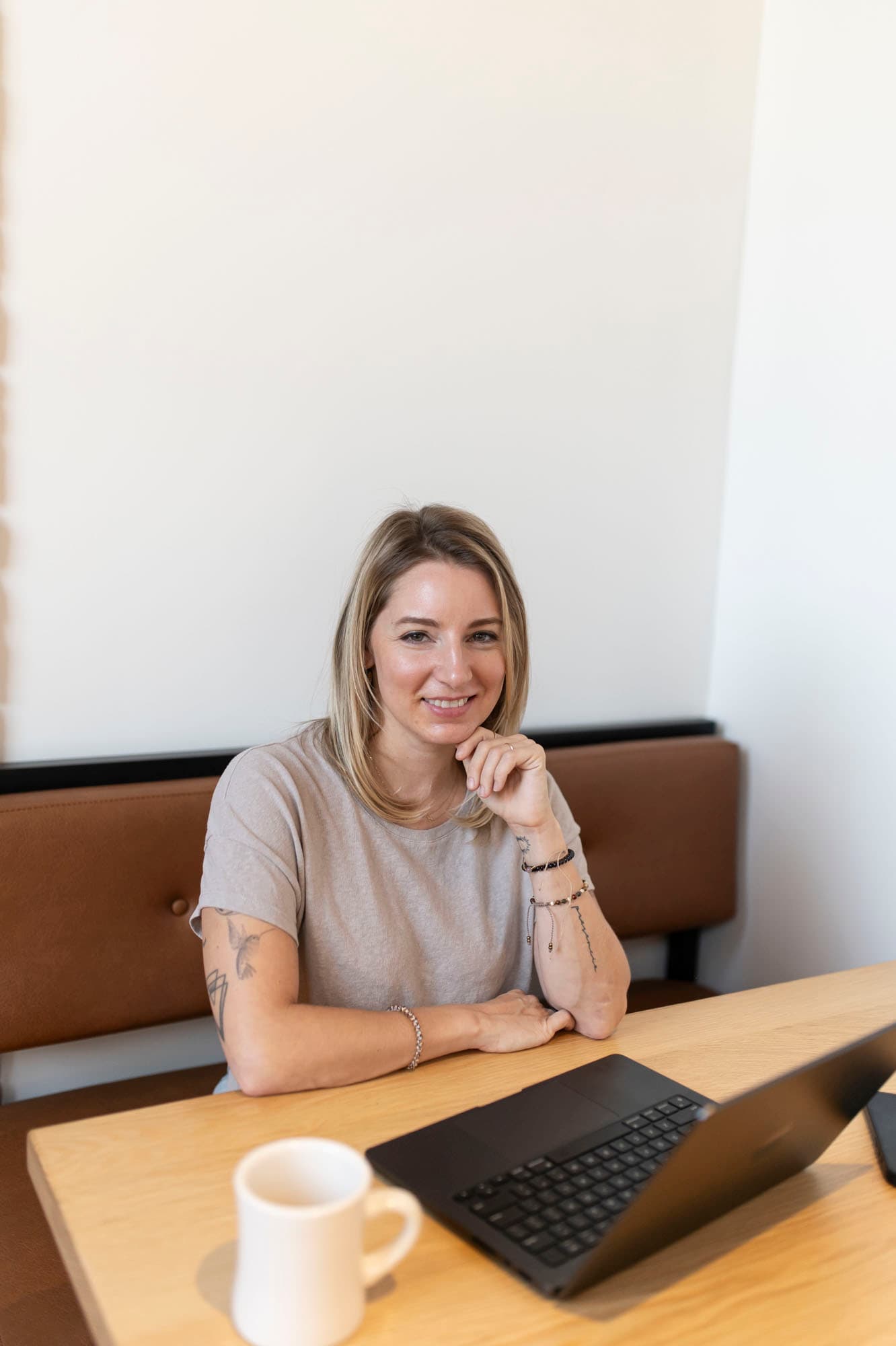
Hi, I’m Nicole
I’m a Claude strategist and educator. I stay on top of every Claude release so my clients don’t have to, and I teach teams how to use Claude as the operating system behind their day - not just another chatbot.
I’ve been refining my own morning check-in skill for a year and a half. It’s the first thing I look at every morning, and it runs everything I do see the full system →.
Meet Vanessa
The woman behind Glow Up
Vanessa Santos is a founder, advisor, and investor who’s spent 20+ years building platforms and communities for women across four continents. She’s the co-CEO of #WeAllGrow Latina (the largest Latina entrepreneur community, acquired in 2025), founder of Build The Dream Collective, a Forbes contributor, CES Innovation Award winner, and Kennedy Center Honoree.
“I build worlds where women become unfuckable with.”
Her ethos - Build the dream. Honor the human. - is the reason Nicole loves working with her. Together they’re planning more women-focused Claude workshops in 2026: Claude foundations and power-user moves, designed for the way women actually want to learn this stuff.

Quick Tips
Things most people don’t know about Claude
A peek at three of them. The full list lives on its own page so you can come back to it whenever.
Global vs project instructions
Global is how Claude talks to you everywhere. Project is the job description for one project. Most people mix them up.
Skills install once, work everywhere
Add a skill in Settings and it's available across every project - forever.
Perfect it in chat first, then automate
Get your skill exactly right inside a Claude.ai chat before moving it to Cowork. Automating a broken skill just gets you bad output on a schedule.
Your Freebies
Take these with you
Two free tools to put what we covered into practice. Set up your project instructions first, then build your morning check-in skill on top.
Start here
Strategic Advisor Generator
Answer 5 questions, get a custom Claude Project instructions file built around your business.
Password
BEAGOODPERSON
Morning Check-In Skill Generator
Tell Claude what you want to see each morning - the generator builds your personalized skill file. Iterate on it in Claude.ai until it’s exactly right. Then, when you’re ready, move it to Cowork to run on a schedule (push to Notion, a daily dashboard, anywhere).
Password
BEAGOODPERSON
Other things you can automate with Cowork once your skill is dialed in: scheduled tasks that pull teaching moments from call transcripts, Google Drive cleanup, screenshot organization, weekly recaps - the list keeps growing.
Want help building yours?
Have questions, or want to go deeper?
Three sessions, just the two of us: an alignment intake, a 2-hour live build session, and a follow-up a week later. Nicole meets you where you are - whether that’s Claude AI, Cowork, or Claude Code - and comes in already knowing what you want to build. Together you set it up, you understand every piece, and you leave empowered to keep going on your own.
A note: the Glow Up pricing expired as of June 29, 2026, and the Quick Start 1:1 is something Nicole now keeps for friends. If you’d still like to work together, reach out and we’ll find the right fit for where you are now.
Coming soon
Be the first to know about our next workshop
Nicole and Vanessa are building more Claude workshops for women. Drop your email and we’ll let you know the moment registration opens.